
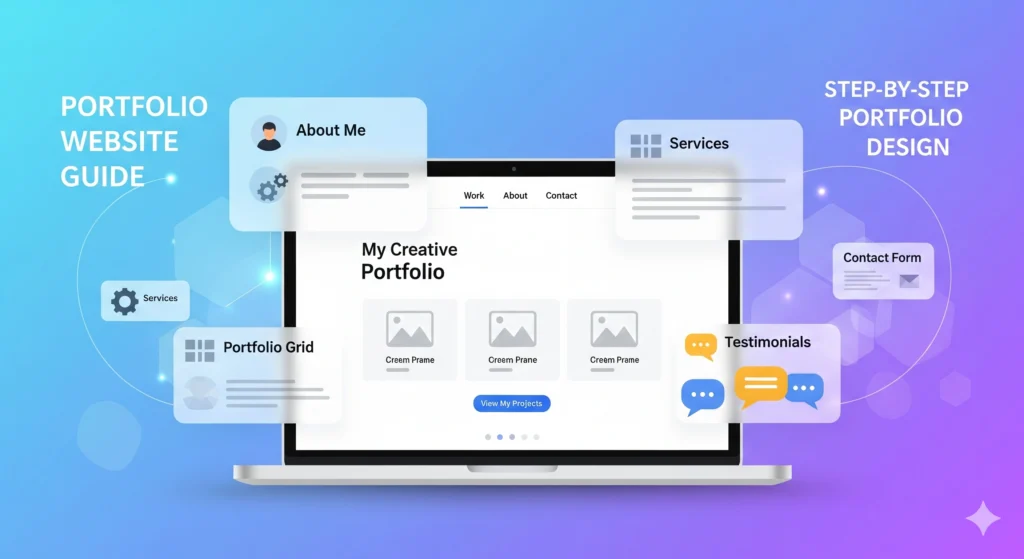
How to Create a Professional Portfolio Website in 2025 (Step-by-Step Guide for Designers, Developers & Creatives)
In today’s digital world, having a professional portfolio isn’t optional—it’s a must. Whether you are a designer, developer, editor, photographer, videographer, or digital marketer, a portfolio is your online resume, business card, and sales pitch combined.
A well-crafted portfolio not only showcases your work but also builds trust, credibility, and authority in your niche. This guide walks you through every stage of creating a high-converting portfolio website that works for any creative professional.
Why You Need a Portfolio Website
- Showcase your skills in a professional way.
- Build credibility with clients, recruiters, or collaborators.
- Stand out from competitors with a unique story.
- Generate leads by adding clear calls to action.
- Boost SEO so your work can be discovered on Google.
Key Stages of Building a Portfolio
1. Heading of the Website (Hero Section)
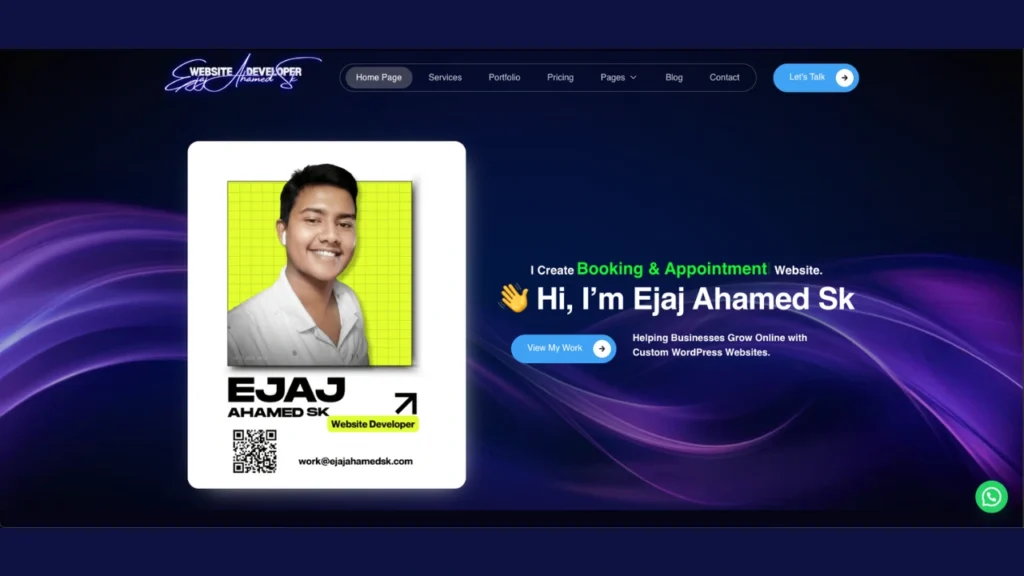
The heading (hero section) is the first thing visitors see when they land on your portfolio website. It should immediately capture attention and explain what you do.
- Use a clear, bold headline (e.g., “Hi, I’m Ejaj – A WordPress Web Developer”).
- Add a short tagline that defines your expertise or services.
- Place a call-to-action button (e.g., “View My Work” or “Hire Me”).
- Background options:
- Minimal solid color for a professional look
- Gradient or abstract pattern for modern feel
- Personal branding image or short intro video
👉 Pro Tip: Keep the text concise and readable, and avoid cluttering this section with too many elements.

2. Home Page: First Impressions Matter
Your homepage is the first thing visitors see—it must grab attention instantly.
- Headline: A compelling statement that defines who you are and what you do.
- Introduction: A short overview of your skills, experience, and what makes you unique.
- Call to Action (CTA): Use buttons like “View My Work”, “Contact Me”, or “Get a Quote”.
💡 Tip: Keep it simple, clean, and client-focused rather than self-focused.
3. About Me: Your Personal Brand
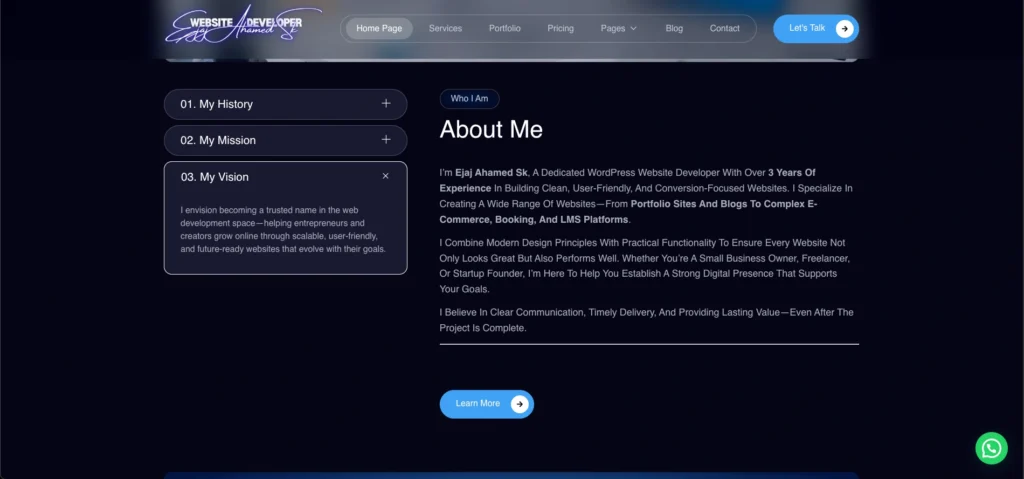
Your About page is not just a bio—it’s your story.
- Professional Bio: Background, education, and work experience.
- Personal Story: Share your journey, interests, and what drives you.
- Photo: Use a professional, approachable picture.
- Unique Selling Proposition (USP): Explain what makes you stand out.
4. Portfolio: Showcase Your Best Work
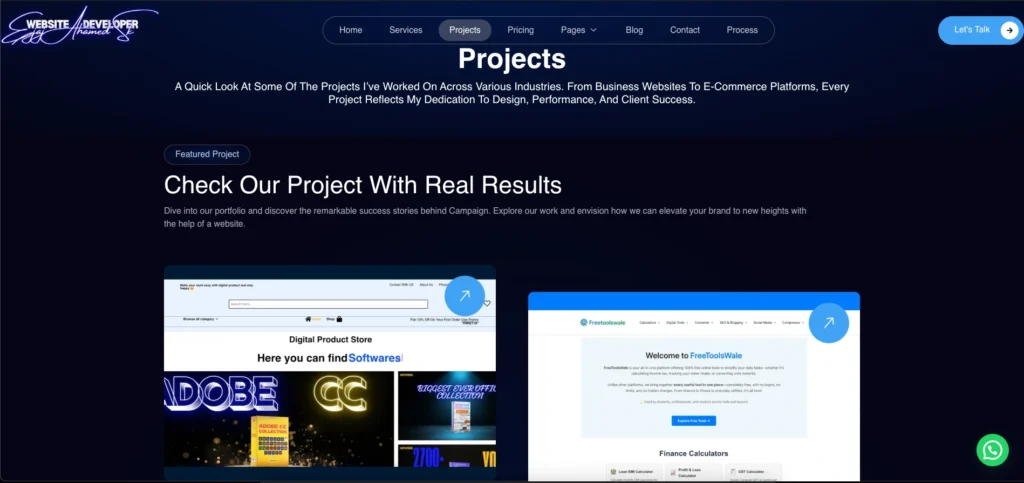
This section is the heart of your website.
- Projects: Display a variety of your top work.
- Case Studies: Explain each project with:
- Client Brief – what the client needed.
- Your Approach – your process and techniques.
- Results – highlight outcomes and success metrics.
- Visuals: Add high-quality images, screenshots, or demo videos.
- Categories: Organize by type (e.g., web design, SEO, video editing).
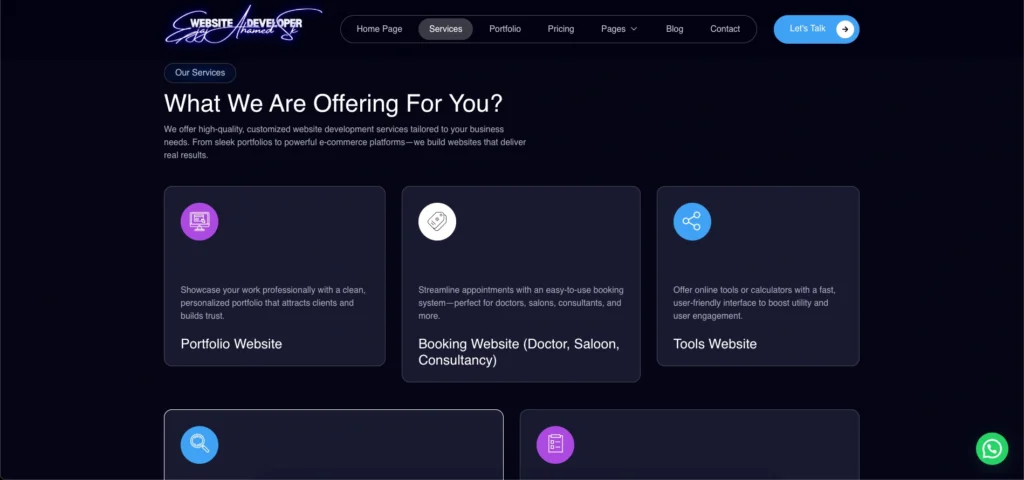
5. Services: What You Offer
Be clear about what clients can hire you for.
- List of Services: Example – “Web Development, SEO, Digital Marketing.”
- Detailed Descriptions: Explain each service clearly.
- Benefits: Show how clients benefit from working with you.
- Packages and Pricing (if applicable): Transparency builds trust.
6. Testimonials: Build Trust with Social Proof
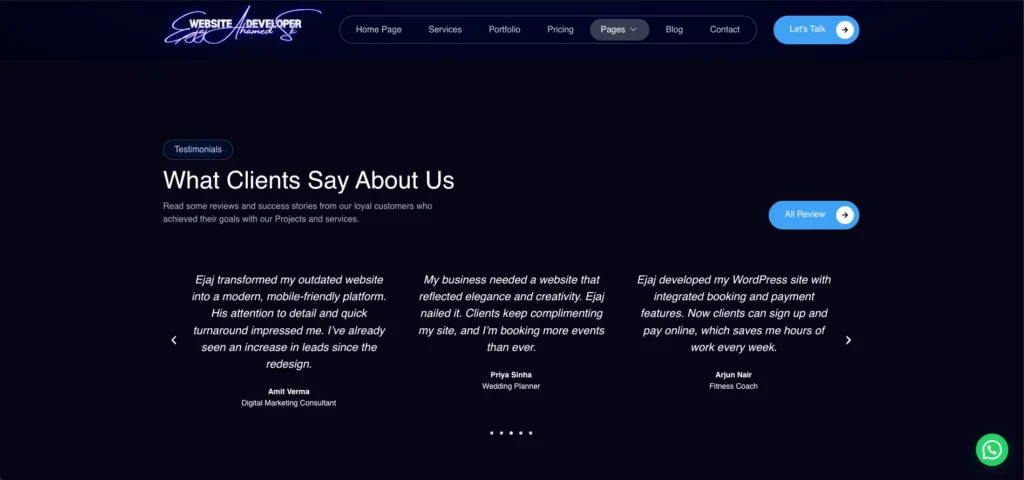
Nothing is more powerful than client feedback.
- Client Quotes: Short testimonials about your work.
- Photos & Names: (with permission) add authenticity.
- Video Testimonials: If possible, they build stronger emotional connection.
7. Blog (Optional but Highly Recommended)
A blog section can position you as an expert and drive organic traffic.
- Industry Insights – Share knowledge about your niche.
- Case Studies – Deeper explanations of your projects.
- Tutorials & Guides – Help others while showing expertise.
- SEO Optimization – Use keywords naturally to rank higher.
8. Contact Page: Easy Communication
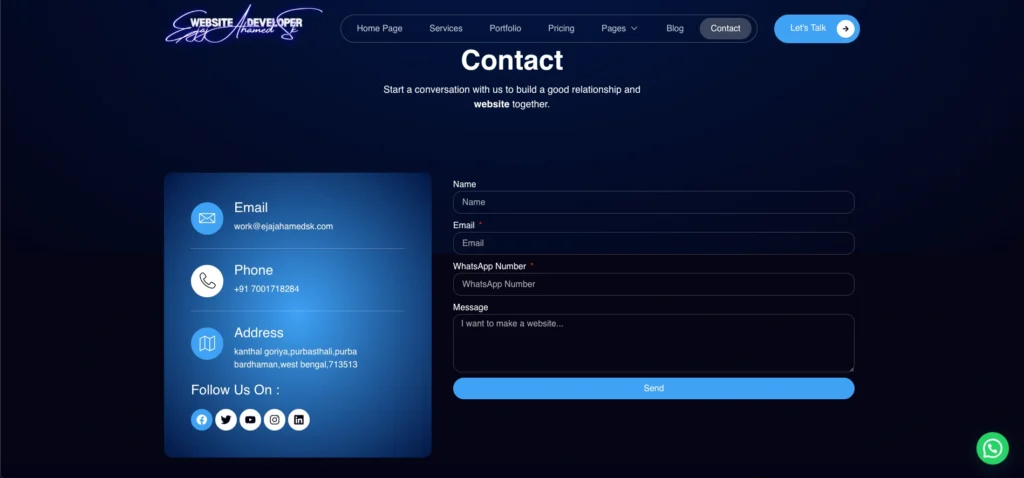
Make it simple for people to reach you.
- Contact Form: Quick way for leads to reach out.
- Direct Contact: Email, phone, WhatsApp, etc.
- Social Media Links: Professional profiles like LinkedIn, Behance, or GitHub.
- Location (if applicable): Local clients may prefer this.
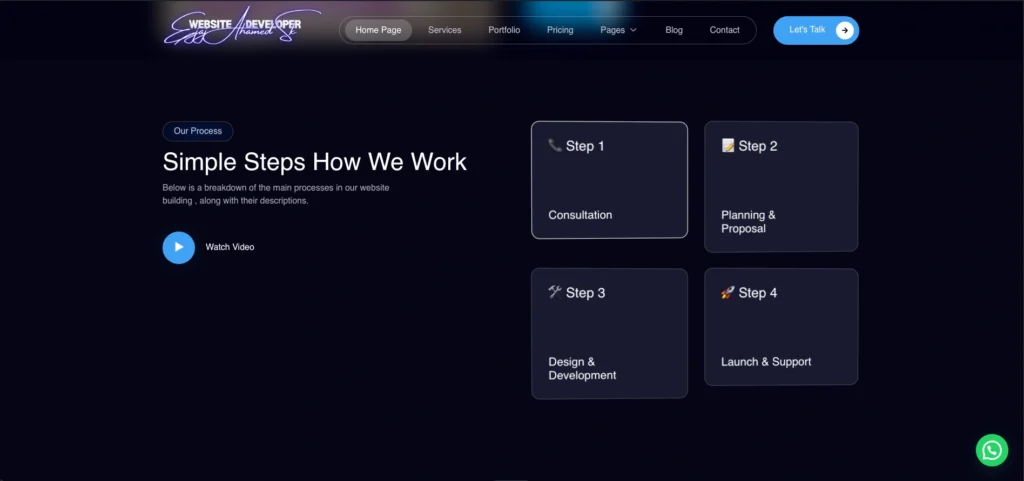
9. Process: How You Work
Show potential clients your workflow so they know what to expect.
- Work Process: From consultation to project delivery.
- Infographics: Make it visually engaging.
10. Skills and Tools (Optional)
Highlight your technical expertise.
- Technical Skills: e.g., HTML, CSS, JavaScript.
- Software Tools: e.g., Photoshop, Premiere Pro, Figma.
- Certificates: Relevant online courses.
- Awards/Recognition: Show credibility.
11. Downloads Section
Give visitors a chance to take something with them.
- Resume Download: Useful for recruiters.
- Portfolio PDF: For offline sharing.
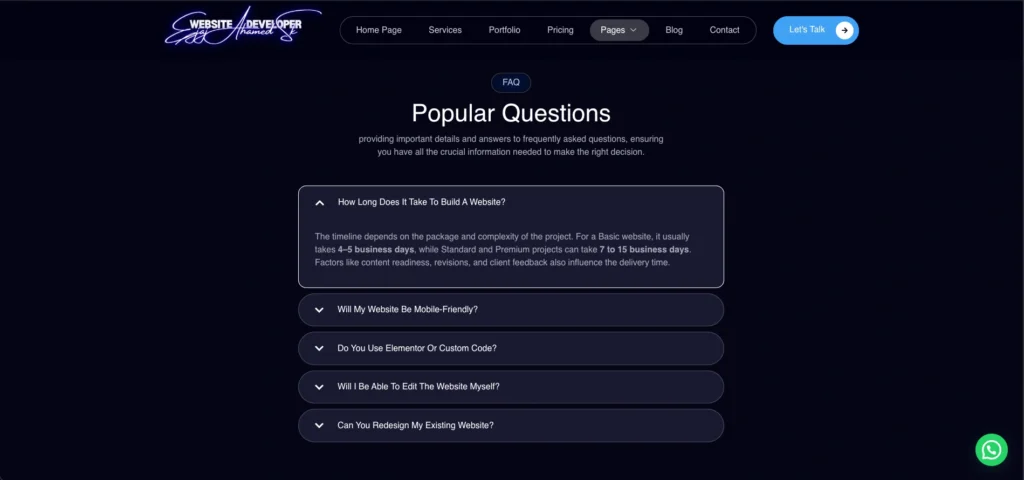
12. Terms & FAQ: Transparency Matters
Be clear about your policies and answer common doubts.
- Terms & Conditions: Service rules, privacy, and policies.
- FAQs: Address questions about process, pricing, and revisions.
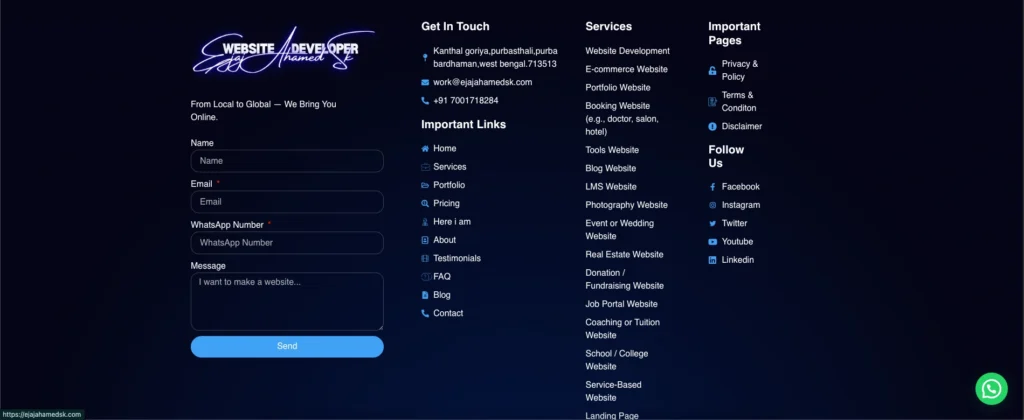
13. Footer Section (Closing Part of the Website)
The footer is often overlooked but plays a vital role in navigation and credibility.
- Include contact details (email, phone, or address if relevant).
- Add social media links with icons.
- Insert quick navigation links (Home, About, Services, Portfolio, Blog, Contact).
- Place a copyright note (e.g., © 2025 Ejaj Ahamed Sk. All Rights Reserved.).
- Optional:
- Newsletter signup box
- Small call-to-action (“Let’s work together – Contact me today!”)
- Trust badges (if offering services globally)
👉 Pro Tip: Keep the footer simple, responsive, and consistent across all pages.
14. Extra Must-Haves
- Mobile Friendly Design: Most visitors will check from phones.
- User-Friendly Navigation: Keep things simple and clean.
- SEO Optimization: Use meta titles, descriptions, alt text, and internal links.
- Analytics: Track performance with Google Analytics.
- Consistent Updates: Keep your portfolio fresh.
SEO Optimization Tips for Portfolio Websites
To ensure your portfolio gets discovered on Google, follow these SEO strategies:
- Use relevant keywords (e.g., “Freelance Web Developer Portfolio”).
- Add meta titles and descriptions for each page.
- Optimize images with alt tags.
- Use structured data/schema markup for services, testimonials, and articles.
- Build backlinks through guest blogging or collaborations.
- Ensure fast loading speed (optimize images & use good hosting).
Schema Markup Recommendations
Add these schema types to boost SEO:
- Person Schema (for yourself).
- Organization Schema (if you run a business).
- CreativeWork/Portfolio Schema (for projects).
- Review/Testimonial Schema (for client feedback).
- Article Schema (for blog posts).
Conclusion
A portfolio is more than just a showcase—it’s your digital identity. By following these steps, you’ll create a professional, SEO-friendly portfolio website that highlights your expertise, builds trust, and attracts clients or employers.
Whether you’re a designer, developer, videographer, or marketer, the same structure applies—you just need to customize it for your niche.